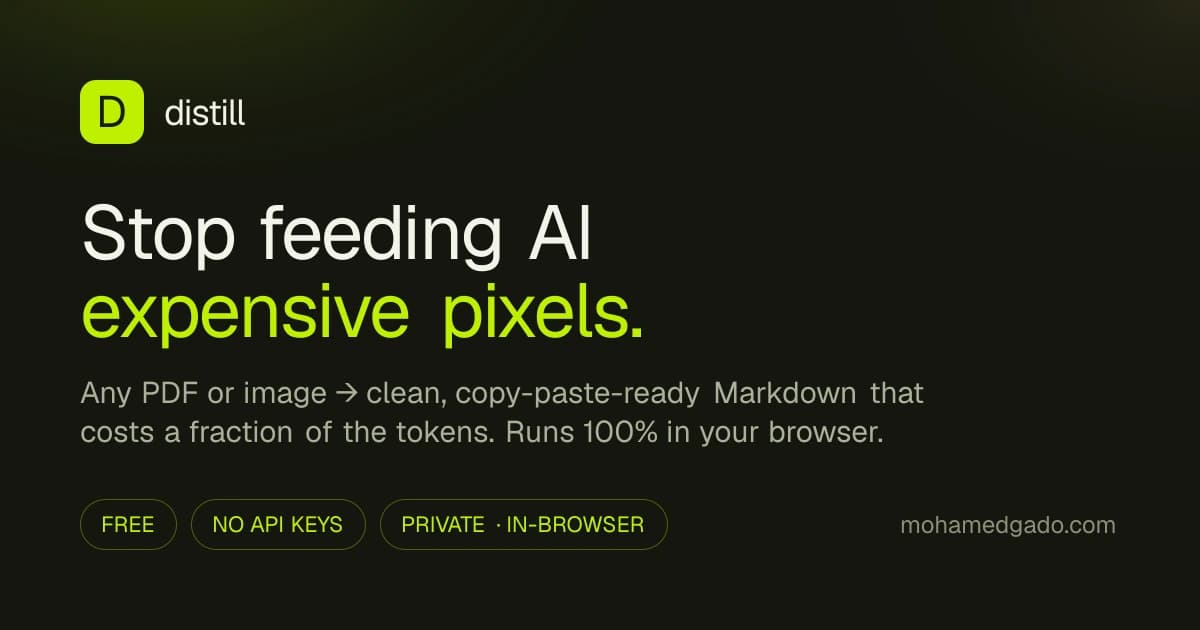
Squeeze any document into AI-ready text. Drop in a PDF or image and get clean, copy-paste-ready Markdown that costs a fraction of the tokens — with a live count of how much you saved.
Everything runs 100% in your browser. No backend, no API keys, no uploads — your files never leave your device.
Why#
Sending a page to an LLM as an image costs ~1,100–2,500 vision tokens regardless of how little text is on it, and the model can misread it. The same page as Markdown text is usually a small fraction of that, costs less per token, and reads perfectly. Distill does that conversion for you and shows the savings.
How it works#
File dropped in
   ├─ Image ─────────────────────► Tesseract OCR ─► clean Markdown
   └─ PDF
        ├─ has embedded text? ────► extract directly  (instant, free, exact)
└─ scanned page? ─────────► rasterise → OCR (per-page fallback)- Digital PDFs → text extracted with pdf.js, using font-size to recover headings and vertical gaps to re-flow paragraphs.
- Scanned PDFs & images → read with Tesseract.js OCR, entirely in the browser.
- Token savings estimated with the standard high-detail vision tiling formula vs. the GPT tokenizer (gpt-tokenizer) count of the output.
Stack#
Next.js 16 · React 19 · Tailwind v4 · shadcn/ui · Motion · pdf.js · Tesseract.js
Develop#
npm install      # also copies the pdf.js worker into /public
npm run dev      # http://localhost:3000
npm run buildNotes & limits#
Because it's free and local, OCR and Markdown cleanup are heuristic — excellent on clean digital PDFs, weaker on messy handwriting or complex tables. Mostly-visual images (photos, charts with no text) are flagged so you know to send them as images instead. The first OCR run downloads a small English model from a CDN.